

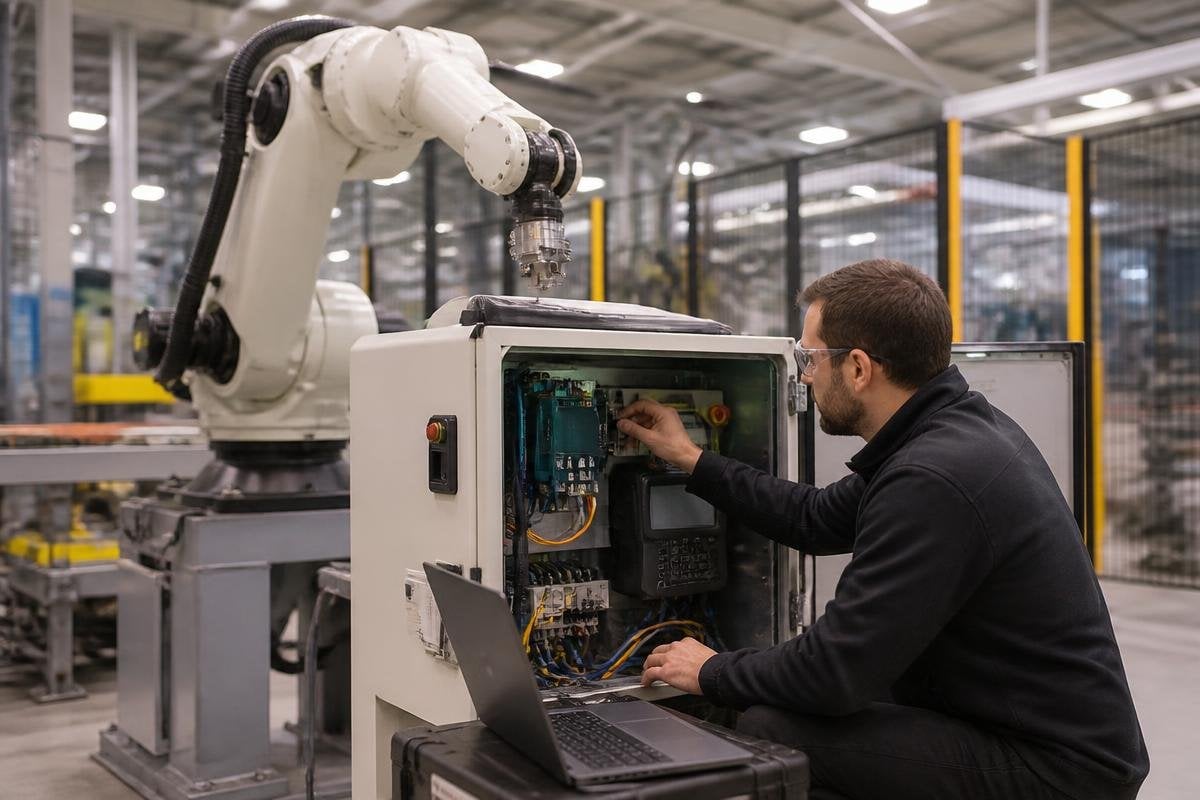
A robot controller can stop a production cell, alter a motion program, or expose a route into the wider factory network. That makes cybersecurity part of machine safety and production planning, not an IT task that ends at the office firewall.
Quick read
- Robot controllers connect software, motors, sensors, and factory networks
- Remote access and shared accounts can turn small weaknesses into machine faults
- Segmentation, strong access rules, updates, and tested recovery plans reduce the damage
Why robot systems need special care
The robot is linked to more than its arm. Its controller may connect to a programmable logic controller (PLC), a vision system, safety equipment, a production database, and an engineering laptop. Each connection gives data a path into or out of the cell.
The risk has two parts. Someone could change a program or stop a machine, while malicious software could spread from an office computer into operational technology (OT), the systems that run physical equipment. A stolen password can matter as much as a faulty sensor when both can change what the robot does.
Robot programs also contain practical production knowledge. They can show tool paths, part positions, cycle settings, and details about how a line works. Protecting the controller helps protect production data as well as uptime.
The weak points to check first
Remote service access deserves close attention. A vendor may need a connection for diagnosis, yet an always-on link, shared password, or old remote desktop service gives attackers a route into the cell. Remote access should start disabled, open for a defined task, and close when that task ends.
Account control matters inside the plant too. Each technician needs their own login, with access matched to their job. A programming account should not be the same as an operator account, and a former contractor’s account should be removed when their work ends.
Network design limits how far a problem can travel. Put robot cells, PLCs, safety equipment, and office computers into separate network zones. Allow only the traffic each system needs, then record connection attempts so unusual activity has a clear trail.
A network rule means more when it names the robot, controller, and factory task it protects. Reporting from Robot 24 can show those details, giving the security plan a real machine and task to test.
Its relevance here is direct: factory cybersecurity depends on understanding how autonomous systems are built, connected, and used.
Updates, backups, and recovery
Robot makers release software updates for controllers, teach pendants, vision systems, and network hardware. The site needs an inventory showing each device, its software version, its owner, and the process for testing an update before it reaches production.
Testing matters because an update can affect motion, timing, or communication with a PLC. Keep a maintenance window for this work, record the change, and retain the previous approved version when the system supports a safe return.
Backups should include robot programs, controller settings, calibration files, safety configurations, and network settings. Store a copy away from the cell. A backup that sits on the same computer as the production files can disappear in the same incident.
Recovery needs a timed practice run. The team should know who isolates the affected cell, who checks safety functions, who restores the controller, and who approves a return to production. A printed recovery plan still has value when the network is unavailable.
A practical factory checklist
Use this list during a site review or before connecting a new robot to the plant network:
- Map each connection. Record links between the robot controller, PLC, safety equipment, vision system, service tools, and office network.
- Remove shared logins. Give operators, technicians, engineers, and vendors separate accounts with the access each role needs.
- Control remote service. Require approval, time limits, strong authentication, and a record of every session.
- Separate network zones. Limit traffic between robot cells and office systems, then review blocked and allowed connections.
- Save clean backups. Store tested copies of programs, settings, calibration data, and safety files away from the production computer.
- Practice recovery. Time a restore on a spare controller or planned maintenance window, then fix the steps that slow the team down.
I’d treat an untested recovery plan as a production risk, even when the network has strong access controls. The site learns its real recovery time during a controlled exercise, not during a stopped line.
Robot cybersecurity improves when engineers, maintenance staff, safety teams, and IT share the same machine map. Start with one cell, record every connection, and use the findings to set the rules for the next cell.
